
Download AnySlot.app
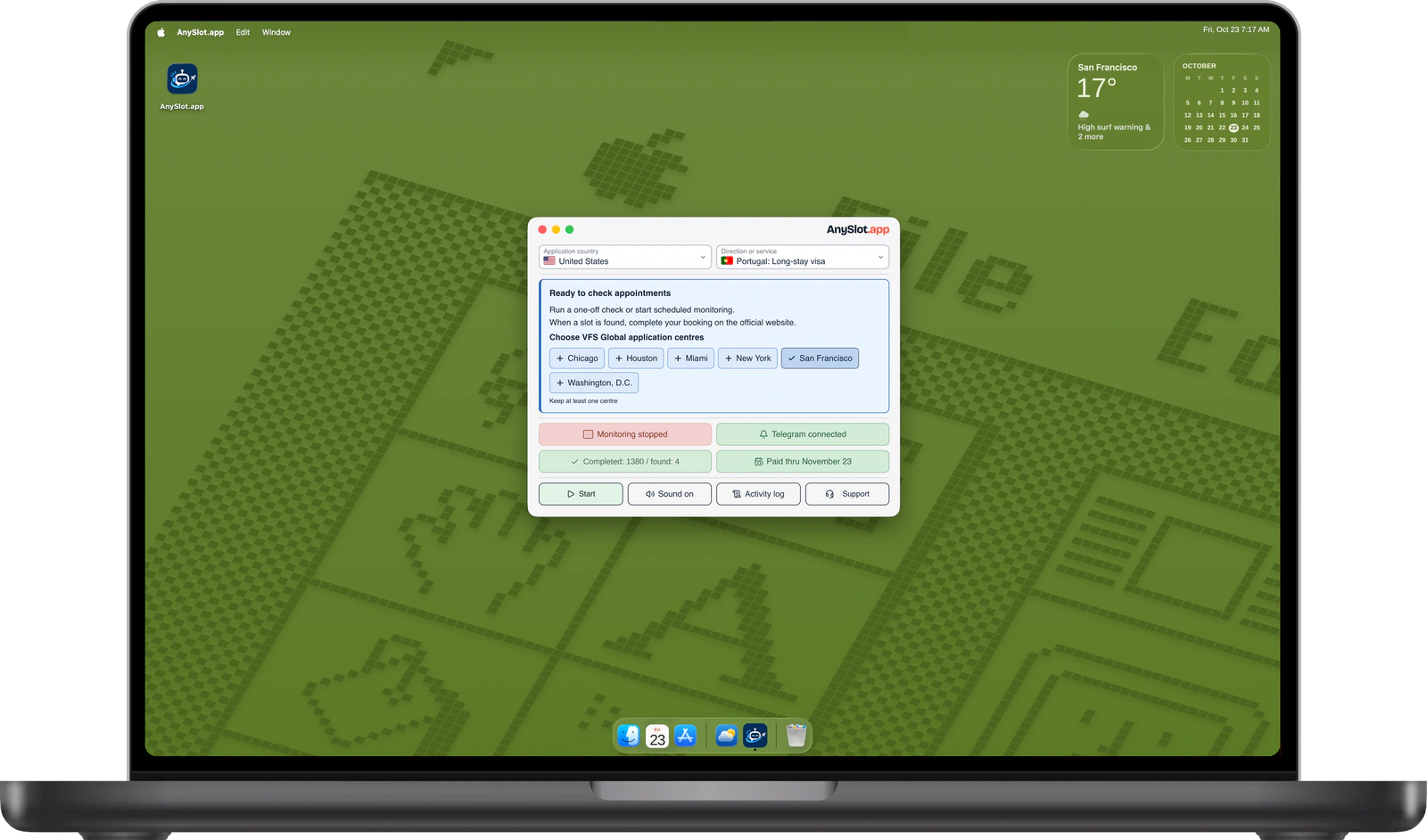
AnySlot checks visa appointment availability from your computer, in your own booking-site session. On-demand checks are free. Use an activation code for automatic monitoring.
Choose your version
Choose Apple Silicon for a Mac with an M-series chip, or Intel for a Mac with an Intel processor.
From download to your first appointment alert
Open the downloaded app
Unzip the download and open AnySlot.
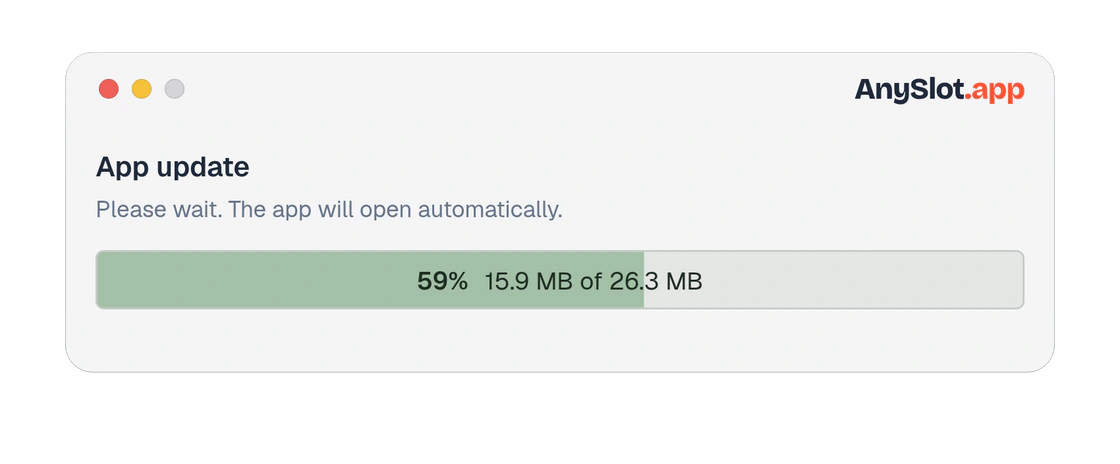
AnySlot checks for updates every time you open it, so you get the latest checking logic and supported destinations.
Choose your country and destination
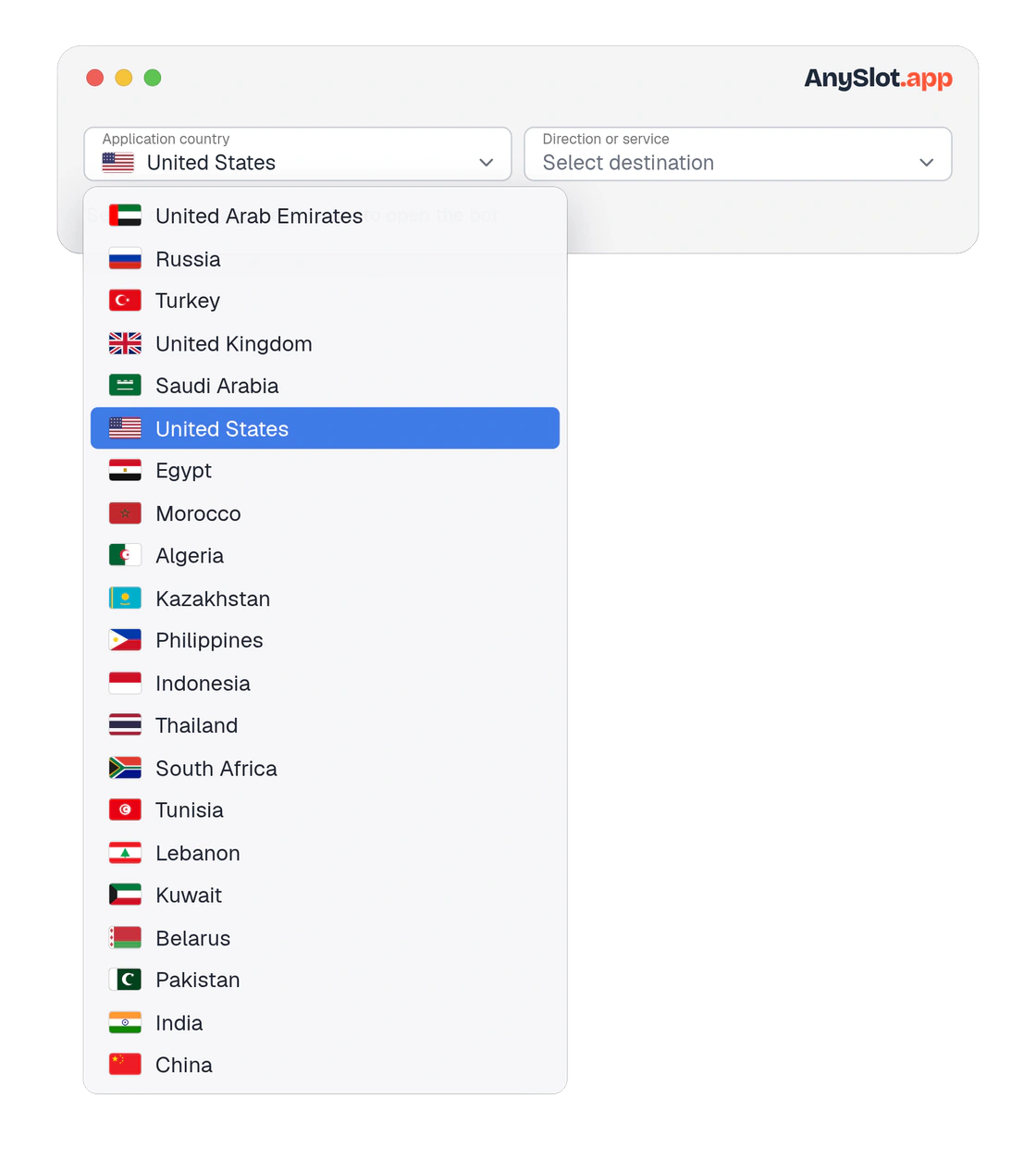
Choose where you’re applying in the first menu. In the second, choose your destination and service: the visa type and booking provider, such as VFS Global, BLS International, or a consulate.
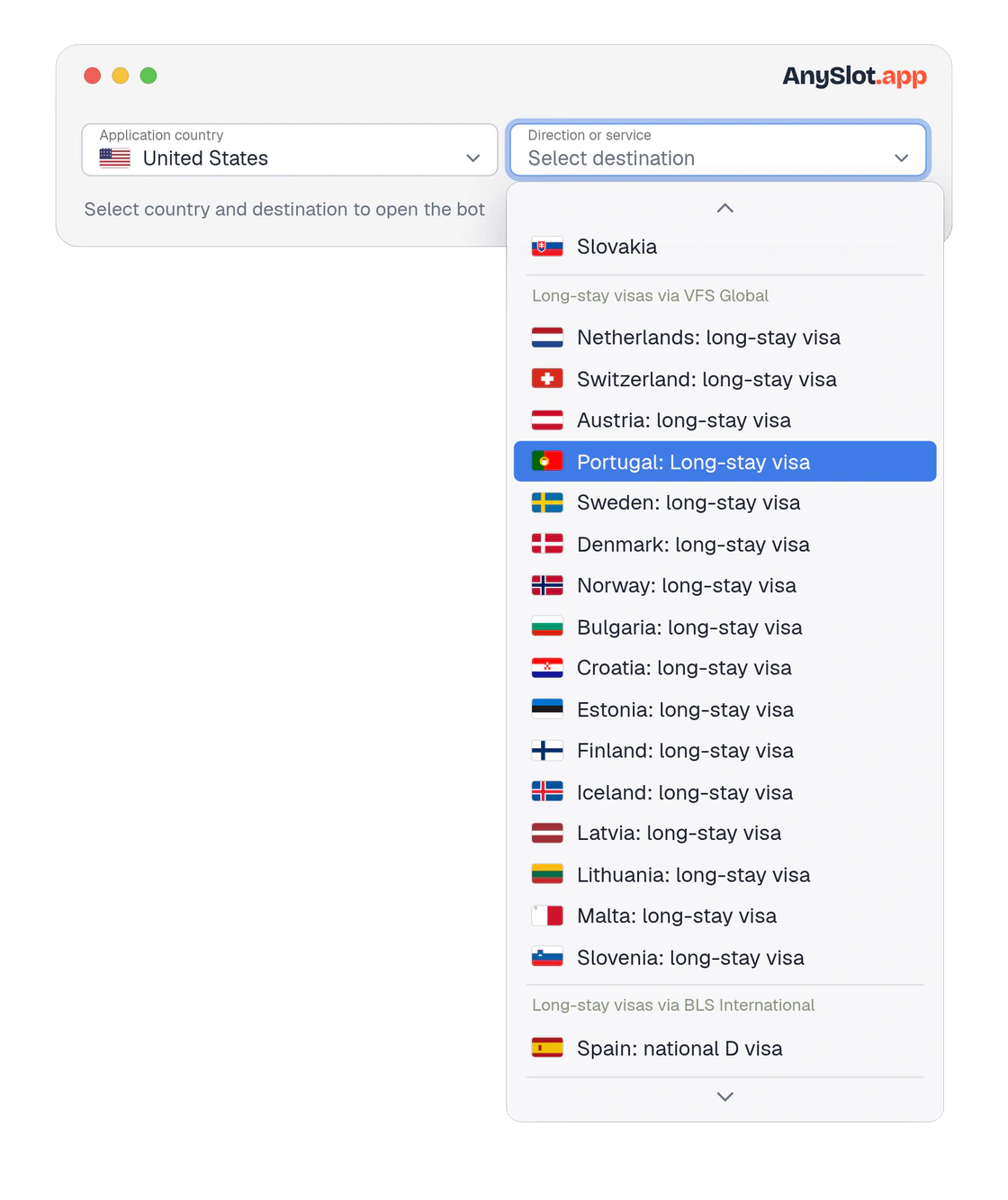
Available services include Schengen visas, European long-stay national visas, and consular services such as document legalization. Options depend on where you’re applying. If a destination or service isn’t listed, AnySlot doesn’t currently monitor it.
Choose centers and run a free check
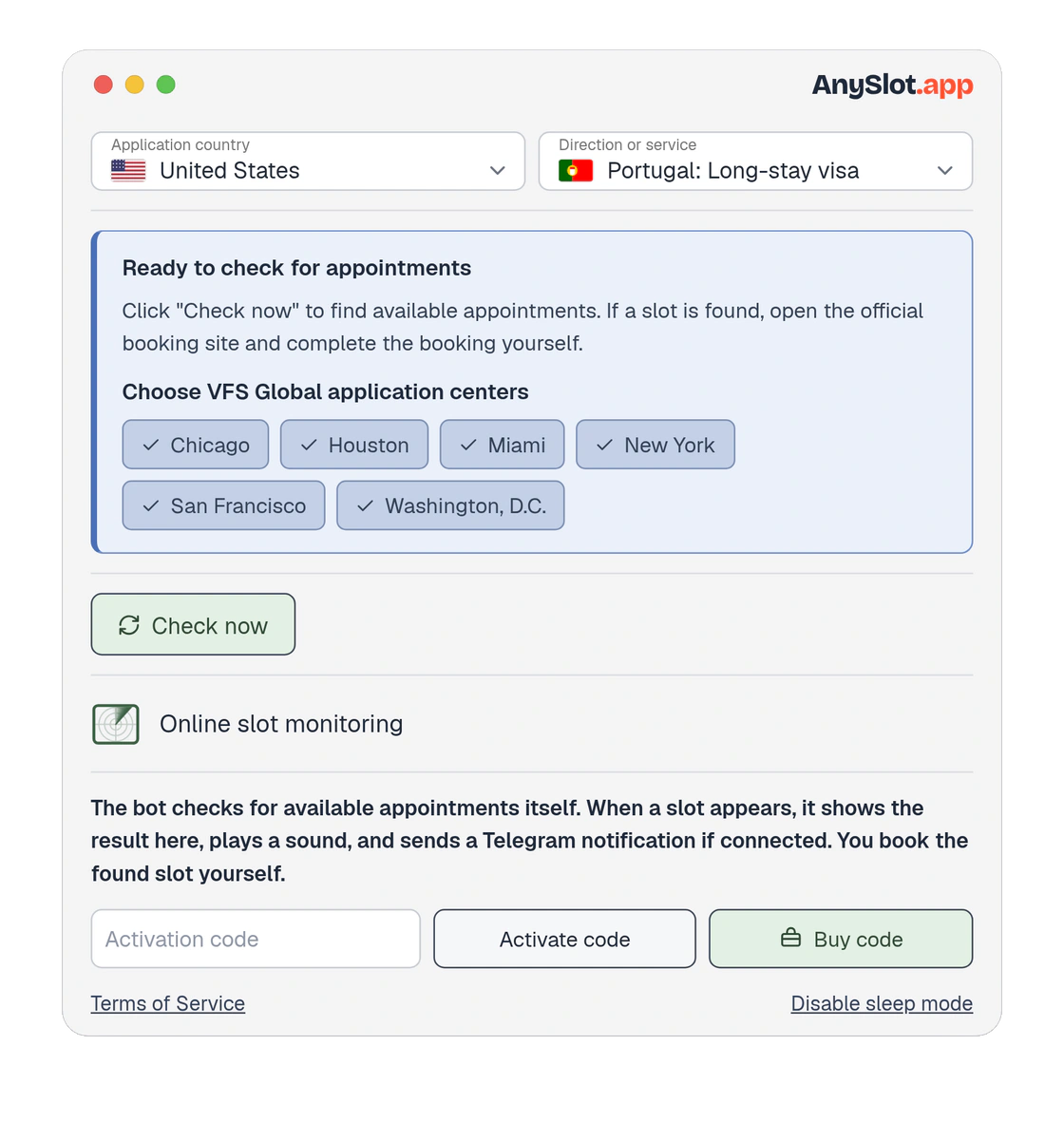
Choose the centers where you can submit your application. You can select more than one city.
Click Check now to run a free check. No activation code is needed. If AnySlot finds an appointment, open the booking link and complete the booking on the official website.
A free check lets you review the current result for your selected service before buying automatic monitoring.
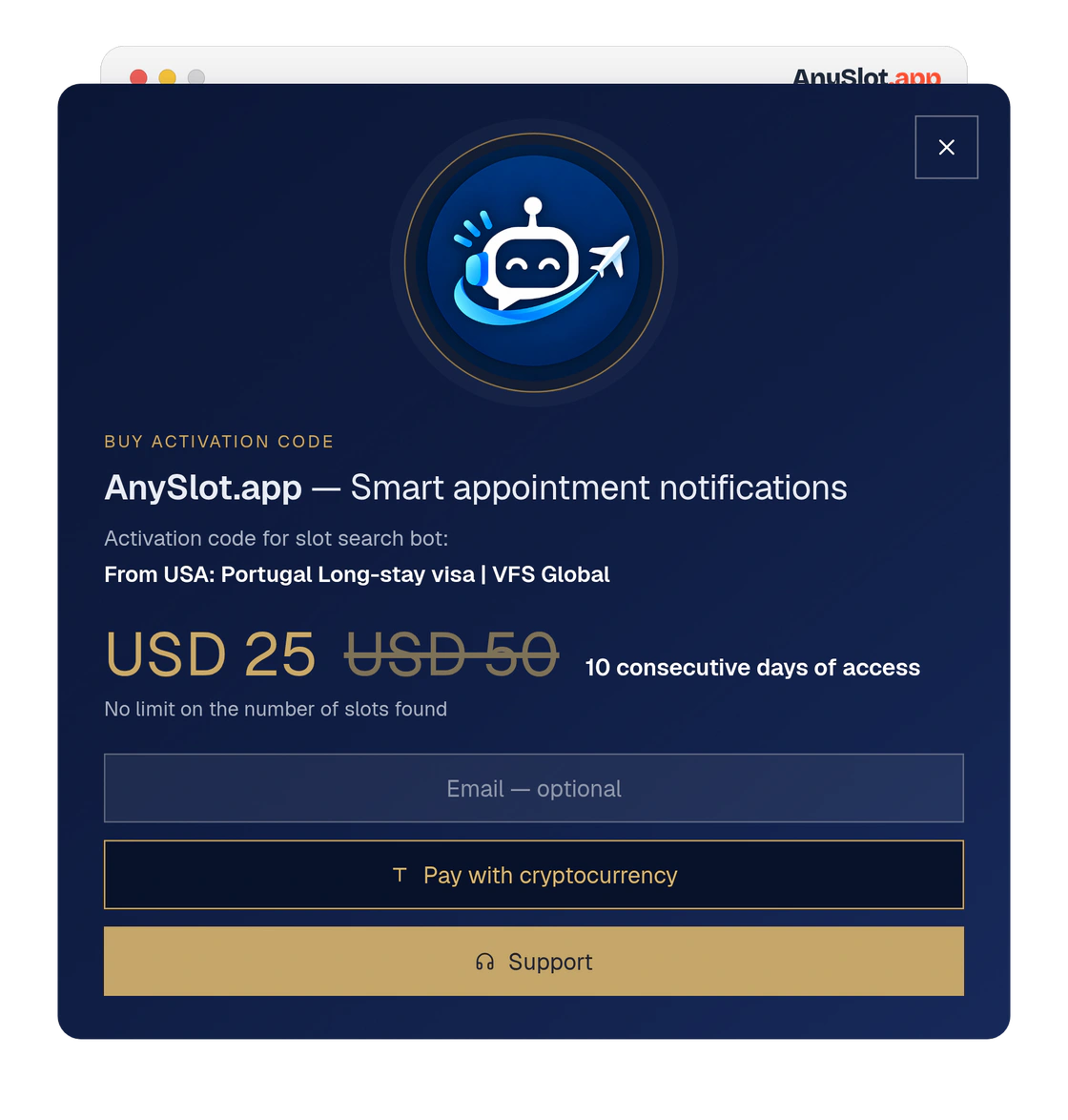
Use an activation code for automatic monitoring
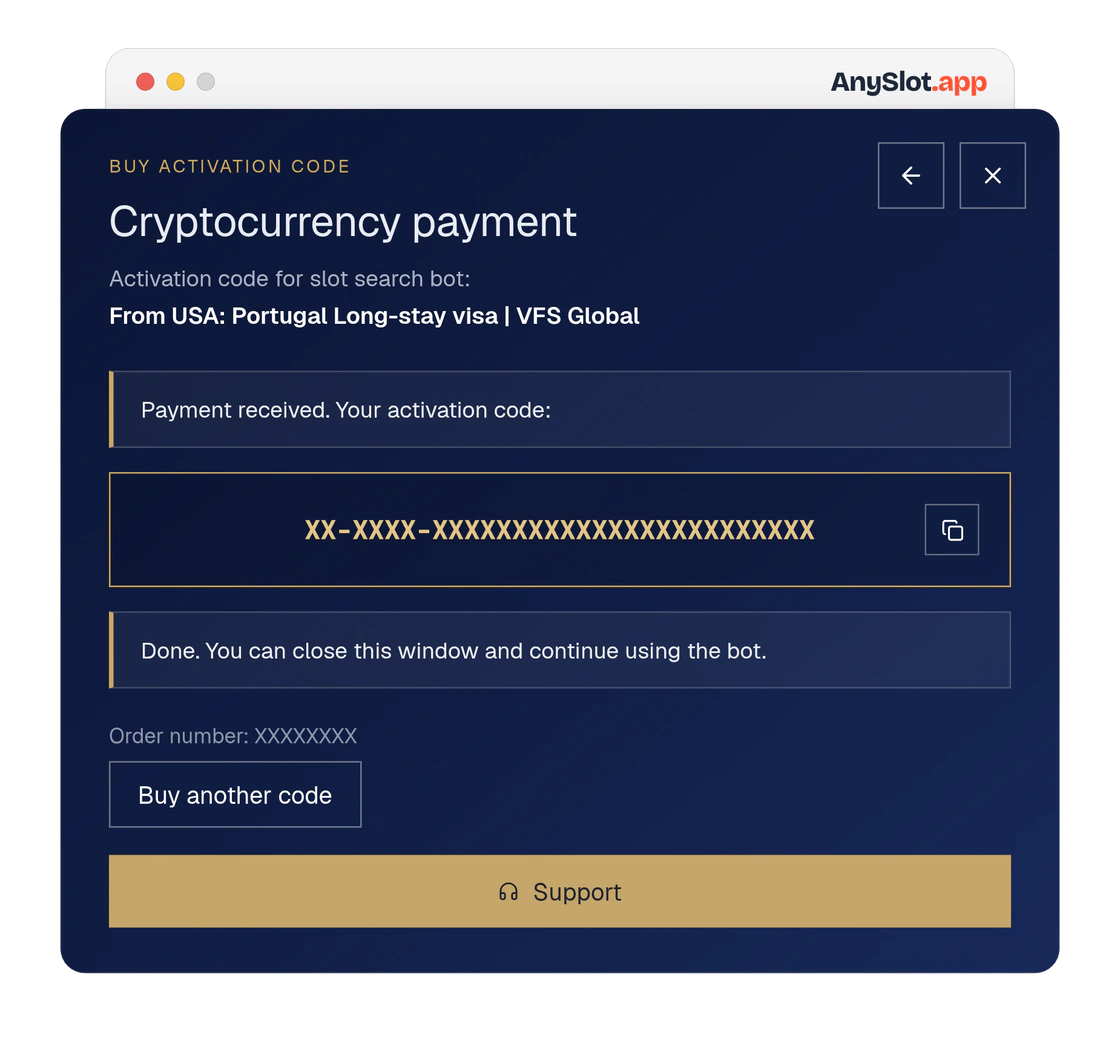
Click Buy code in the app. The checkout shows your selected service, price, and access period. Your activation code appears in the same window once payment is confirmed.
Paste it into the Activation code field and click Activate code. Connect the Telegram bot from the checkout window to get appointment alerts on your phone.
Once monitoring starts, the bot automatically checks for slots every five minutes, including at night while you sleep. To do this, the computer must remain awake, connected to the internet, and not go into sleep mode.
The bot sends a booking link to Telegram. Open it on your phone or another device and continue on the official booking website. You don’t need to be at your computer when the alert arrives. Sign in to your account if prompted.
When AnySlot finds an appointment, it plays a loud alert if sound is on and sends a booking link to your connected Telegram.
Select a city and start monitoring
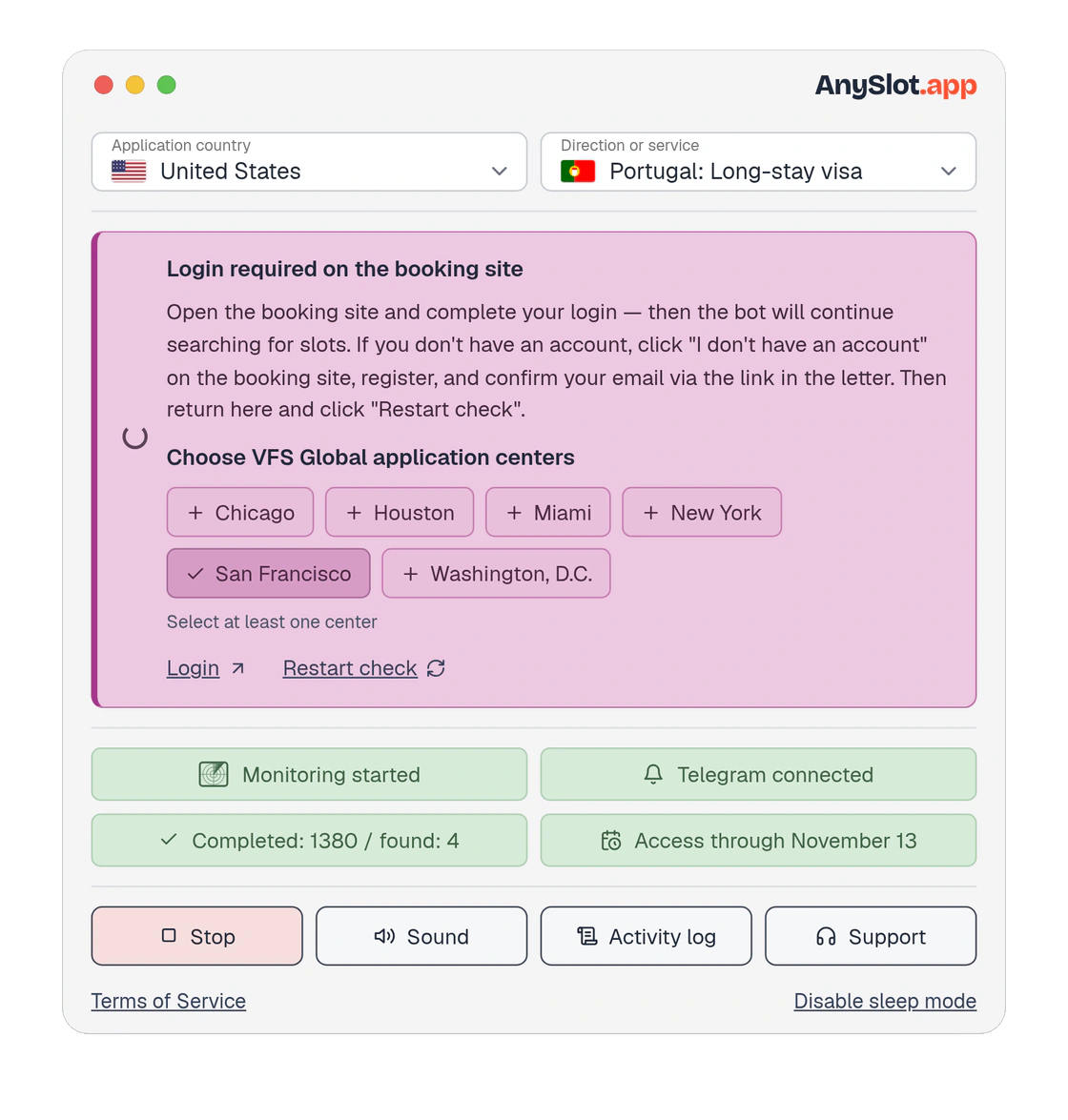
Select at least one center and click Start. Keep your computer on, connected to the internet, and awake while monitoring runs.
If the booking site asks you to sign in, AnySlot will let you know. Sign in to your account and click Restart check. When an appointment is found, use the bot’s link to complete the booking yourself.
AnySlot checks availability and sends alerts. It doesn’t book for you or guarantee an appointment. Dates at VFS Global, BLS International, and consulates can fill quickly, so review alerts promptly.
How visa appointment monitoring works
Appointments for Schengen or long-term visas to European countries often open in small batches: a visa center or consulate adds a few dates, and they are quickly claimed. Checking the calendar manually every few minutes is tedious, especially if you need to monitor several cities.
AnySlot handles the repeated checks. Activate your code, choose your centers, and start monitoring supported VFS Global, BLS International, or consulate calendars. When an appointment is found, AnySlot shows the result, plays a sound if enabled, and sends a booking link to Telegram if connected. Keep your computer on, online, and awake.
Checks run on your computer, in your own session on the official booking website. AnySlot doesn’t create an account or book for you, and it doesn’t guarantee an appointment. On-demand checks are free, so you can try your selected service before buying a code.