Start with the visa purpose
Identify the national-visa purpose that matches your plans and read the official checklist for that category. The appointment calendar does not decide whether your case is for study, work, family, or another long stay.
National visa · US → Portugal · VFS Global
Portuguese national visa applications filed through VFS Global in the United States depend on the correct center for your residence and the correct long-stay purpose. AnySlot monitors the general national-visa calendar and alerts you when it sees availability; it does not separate every D subtype, determine eligibility, or book for you.
Free on-demand checks$25 for 10 days of automatic monitoringUnlimited slot alerts
Portugal’s VFS guidance for the United States separates short-stay and national visas and directs applicants to the center that has jurisdiction over their residence. Before you monitor a city, verify that the official current instructions actually allow you to use it.
Your purpose controls the file. Study, work, family reunification, and other national-visa categories can require different supporting documents, so review the category-specific checklist before you book instead of treating every Portugal D case as interchangeable.
AnySlot monitors Portugal’s general national-visa calendar. It does not provide dedicated D7 or D8 calendar support, and an alert does not confirm that a particular subtype, document set, or applicant profile is appropriate for that center.
The Portuguese Consulate in San Francisco warns applicants to schedule only through the official VFS website. AnySlot can notify you about a date it sees, but you still need to complete the booking yourself in your own official session and keep the confirmation.
Interactive demo
Loading demo…
The demo above shows the interface only, with simulated results. Real monitoring runs in the downloaded app, in your own official booking session. On-demand checks are free; automatic monitoring is paid.
Countries and visa appointment routes
Application country
Applying from the United States? Look for your application type, not just the destination flag. Explore 29 appointment routes, grouped below by service.
 Netherlands: SchengenAutomatic slot checkingAuto-check
 Switzerland: SchengenAutomatic slot checkingAuto-check
 Austria: SchengenAutomatic slot checkingAuto-check
 Portugal: SchengenAutomatic slot checkingAuto-check
 Sweden: SchengenAutomatic slot checkingAuto-check
 Denmark: SchengenAutomatic slot checkingAuto-check
 Norway: SchengenAutomatic slot checkingAuto-check
 Bulgaria: SchengenAutomatic slot checkingAuto-check
 Croatia: SchengenAutomatic slot checkingAuto-check
 Estonia: SchengenAutomatic slot checkingAuto-check
 Finland: SchengenAutomatic slot checkingAuto-check
 Iceland: SchengenAutomatic slot checkingAuto-check
 Latvia: SchengenAutomatic slot checkingAuto-check
 Lithuania: SchengenAutomatic slot checkingAuto-check
 Slovenia: SchengenAutomatic slot checkingAuto-check
 Spain: SchengenAutomatic slot checkingAuto-check
 Germany: SchengenAutomatic slot checkingAuto-check

Portugal D from the US
Identify the national-visa purpose that matches your plans and read the official checklist for that category. The appointment calendar does not decide whether your case is for study, work, family, or another long stay.
AnySlot watches the general Portugal national-visa category in VFS USA. It does not split the search into separate D7, D8, or other subtype calendars, so always confirm the service shown in the official booking flow.
Use the VFS center that has jurisdiction over your residence, not simply the one with a convenient date. If you are unsure whether a city serves your address, verify that point on the current official VFS or consulate instructions before monitoring it.
The San Francisco consulate warns that VFS appointments are scheduled only through the official website. Treat third-party messages as alerts only, then sign in on the official VFS site to verify what is actually available.
When you see reported availability, review the center, visa category, applicant details, and offered time inside the official booking session before you finalize. After self-booking, save the confirmation and use it as part of your appointment planning.
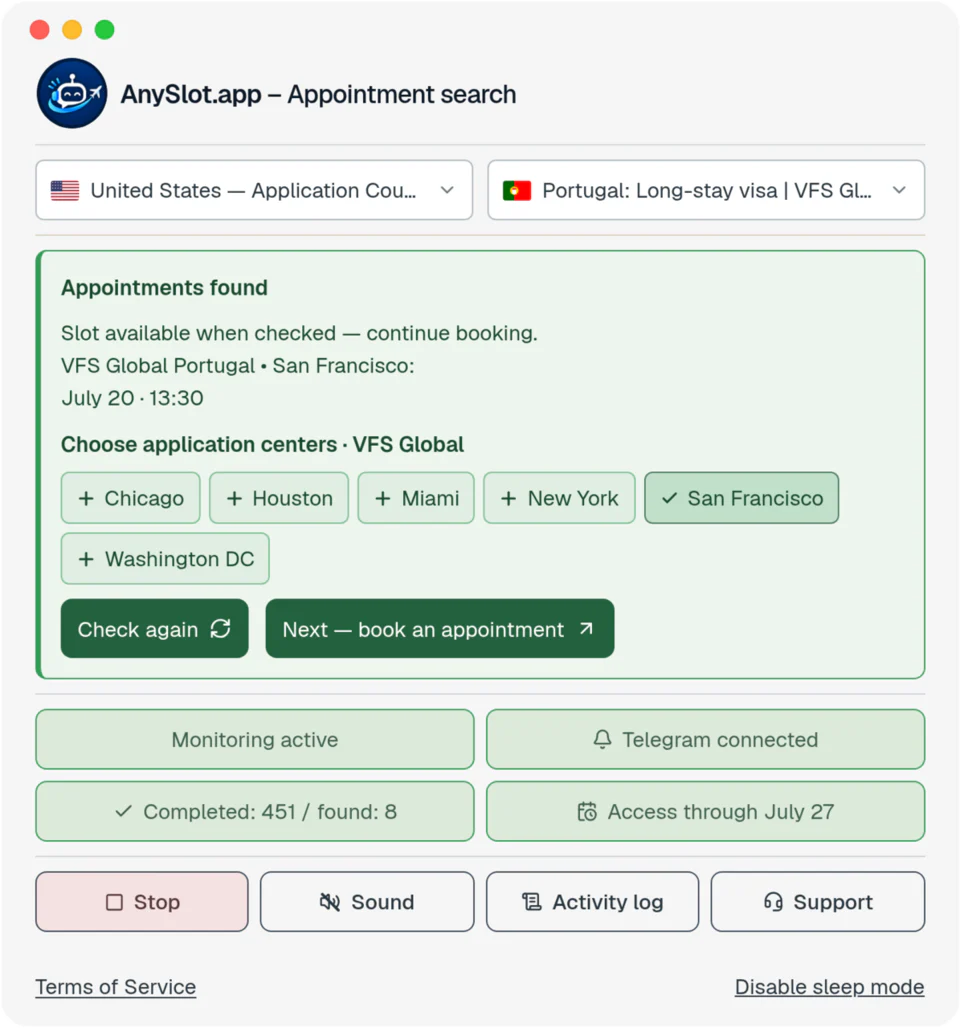
Interface examples
Functions and advantages
The app follows Portugal’s general national-visa calendar in VFS USA instead of implying that each long-stay subtype has its own dedicated search. You still confirm the exact service in the official booking session before you reserve anything.
You choose which configured centers to monitor, but official eligibility to use a center still depends on current consular or VFS jurisdiction rules for your residence. Verify that coverage first, then monitor only the locations you may actually book.
Each check is logged so you can review when the app found availability, when it found none, and when a check failed to complete. That record is useful for monitoring patterns while you prepare the category-specific documents for your Portugal national-visa case.
Portugal national visa bot
$25 covers 10 consecutive days of automatic checks for this Portugal national D search, counted from the first activation of your code. On-demand checks stay free. The payment is for the AnySlot software, not for an appointment, a VFS Global service charge or a consular fee.
$25$5010 days of bot checks
Free on-demand checks after download
What you gain
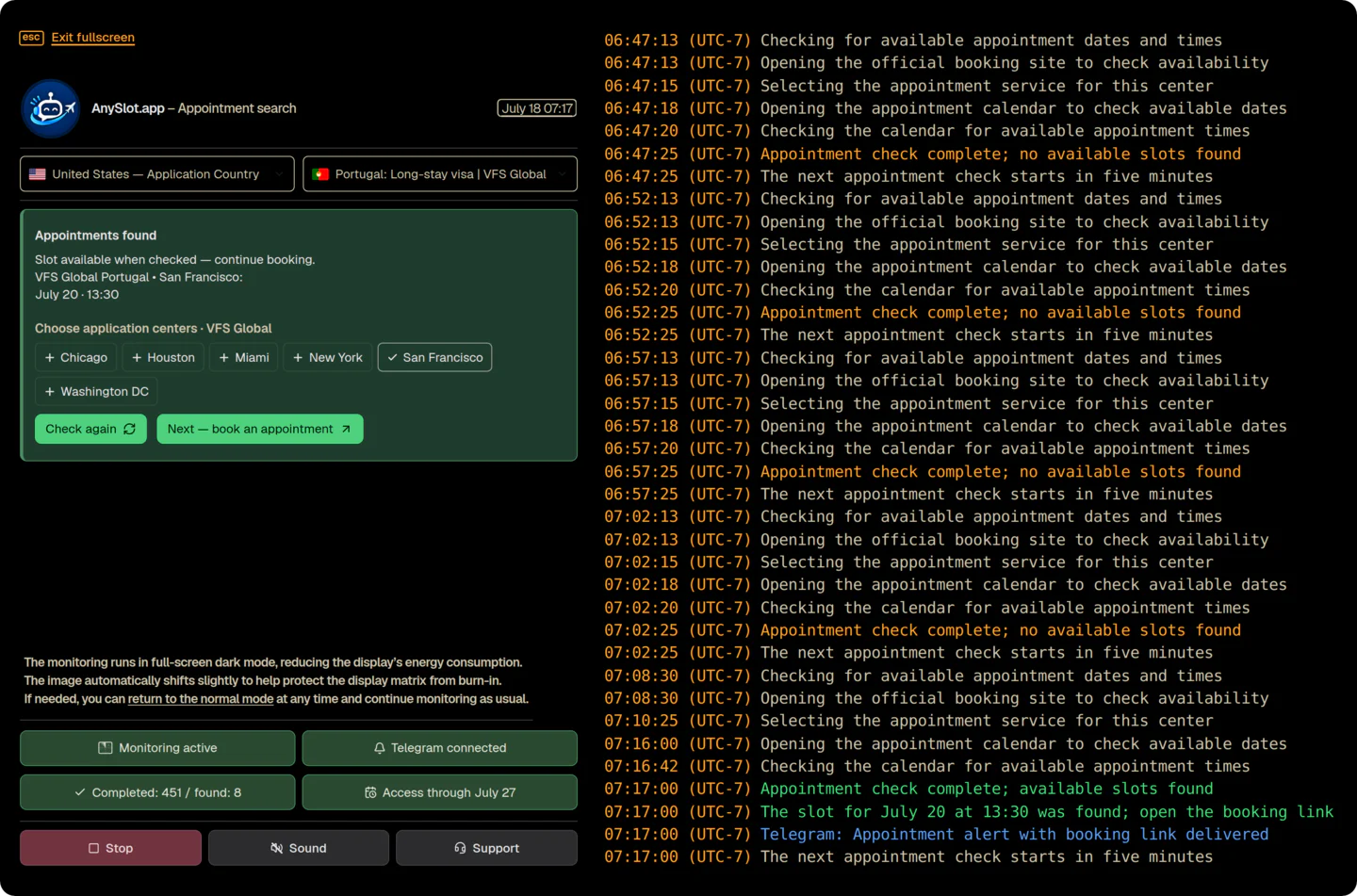
AnySlot repeats checks of the Portugal national-visa calendar on your own computer and records the outcome of each check in a dated activity log. It is independent desktop software, not an official booking channel, and a completed no-availability check is different from a failed check or connection problem.
That helps you focus on the documents for your actual long-stay purpose. Portugal treats national visas by purpose, so it is worth confirming the right checklist, gathering any housing or financial evidence your category requires, and keeping your booking confirmation once you secure a slot yourself.
Let AnySlot check while you work or sleep. Keep your computer on, online, and awake.
See results on screen, hear an alert if sound is on, and get a message on your phone if Telegram is connected.
Sign in to your own account and complete the booking yourself. Your password and application details stay with you.
When several selected centers are checked, each available appointment is shown with its center.
See when each check ran, what it found, and whether the booking site reported an error.
Run a free check whenever you need one, including on beta routes.
How it works
In AnySlot, choose United States as the application country, then Portugal and the national visa entry. The app checks that VFS Global national-visa calendar only; it does not switch categories for you or cover other Portugal services.
Choose only the VFS center that officially covers your residence. Before adding or relying on a city, confirm current jurisdiction on the official Portugal VFS or consular instructions, then run a free on-demand check to see whether that calendar currently returns results.
Activate a code to let the desktop app repeat checks for 10 days. Scheduled checks run every five minutes on your Mac or Windows computer while the app stays open and the machine remains awake and online; alerts can appear in the app, sound if enabled, and go to Telegram if connected.
When a date is reported, sign in to the official VFS website and confirm the center, national-visa category, applicant details, and live availability before completing the booking. A reported opening is only a snapshot from the last check, and AnySlot does not hold, reserve, or submit appointments.
FAQ
Support
Need help installing or activating AnySlot?