Visitor visa at VFS
For short visits, Swedish guidance in the United States points applicants to VFS Global for the visa submission appointment. This route watches that visitor visa calendar only.
Schengen visa · US → Sweden · VFS Global
For short visits to Sweden from the United States, Swedish guidance directs visitor-visa applicants to VFS Global. Residence permit interviews and migration-related biometrics are separate processes. AnySlot monitors the Swedish VFS visitor visa calendar only and alerts you when a date is detected during a check.
Free on-demand checks$25 for 10 days of automatic monitoringUnlimited slot alerts
Sweden Abroad directs U.S.-based visitor visa applicants to VFS Global for short-stay Schengen submissions. That is the calendar this route monitors.
Residence permit interviews and biometrics you are specifically instructed to provide belong to the migration process, not the VFS visitor visa calendar. An opening for one does not substitute for the other.
This route is meant for short visits where Sweden is the main destination of the Schengen trip. Longer stays and move-to-Sweden cases should be checked under the relevant permit guidance before you look for a visitor appointment.
AnySlot checks the selected Swedish visitor visa calendar at the U.S. centers you configure and logs each result. You still review the live VFS page and complete the booking yourself.
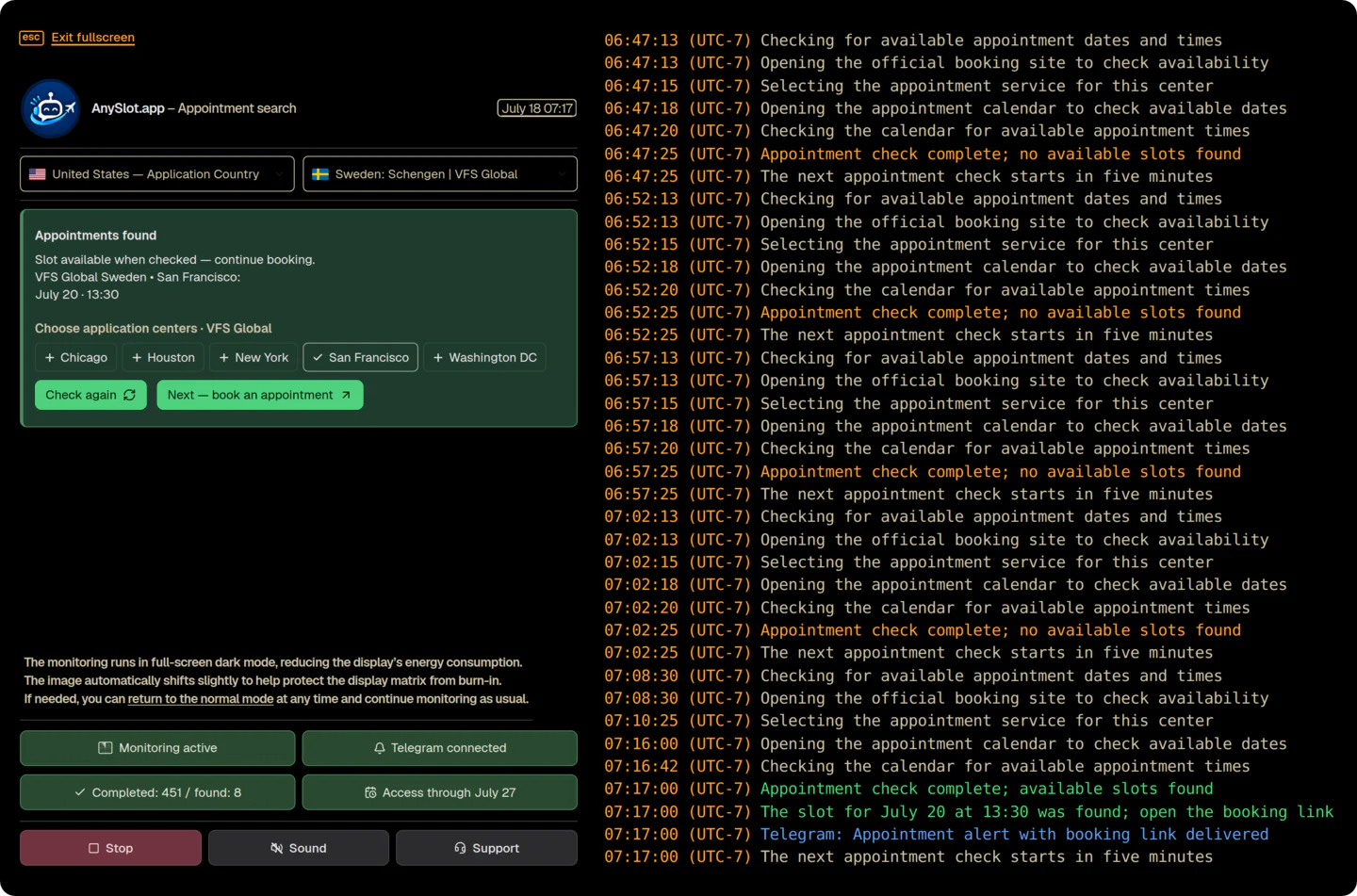
Interactive demo
Loading demo…
The demo above shows the interface only, with simulated results. Real monitoring runs in the downloaded app, in your own official booking session. On-demand checks are free; automatic monitoring is paid.
Countries and visa appointment routes
Application country
Applying from the United States? Look for your application type, not just the destination flag. Explore 29 appointment routes, grouped below by service.
 Netherlands: SchengenAutomatic slot checkingAuto-check
 Switzerland: SchengenAutomatic slot checkingAuto-check
 Austria: SchengenAutomatic slot checkingAuto-check
 Portugal: SchengenAutomatic slot checkingAuto-check

 Denmark: SchengenAutomatic slot checkingAuto-check
 Norway: SchengenAutomatic slot checkingAuto-check
 Bulgaria: SchengenAutomatic slot checkingAuto-check
 Croatia: SchengenAutomatic slot checkingAuto-check
 Estonia: SchengenAutomatic slot checkingAuto-check
 Finland: SchengenAutomatic slot checkingAuto-check
 Iceland: SchengenAutomatic slot checkingAuto-check
 Latvia: SchengenAutomatic slot checkingAuto-check
 Lithuania: SchengenAutomatic slot checkingAuto-check
 Slovenia: SchengenAutomatic slot checkingAuto-check
 Spain: SchengenAutomatic slot checkingAuto-check
 Germany: SchengenAutomatic slot checkingAuto-check
 Austria: Long-stay visaAutomatic slot checkingAuto-checkPortugal: Long-stay visaAutomatic slot checkingAuto-checkDenmark: Long-stay visaAutomatic slot checkingAuto-checkNorway: Long-stay visaAutomatic slot checkingAuto-checkEstonia: Long-stay visaAutomatic slot checkingAuto-checkFinland: Long-stay visaAutomatic slot checkingAuto-check
Sweden from the US
For short visits, Swedish guidance in the United States points applicants to VFS Global for the visa submission appointment. This route watches that visitor visa calendar only.
Residence permit interviews and migration biometrics are separate from the VFS visitor visa flow. If your instructions mention the migration section, use that process rather than this route.
Use the Sweden visitor visa route only when Sweden is the main destination of your Schengen trip. If another Schengen country is your main destination, verify where you should apply before monitoring appointments.
Select the U.S. VFS centers you could actually attend. Adding more configured centers broadens the calendars you check, but it does not change where you are allowed to apply.
After an alert, sign in to VFS and verify the center, category, and available time in the live booking session. The appointment is only real once you confirm it there.
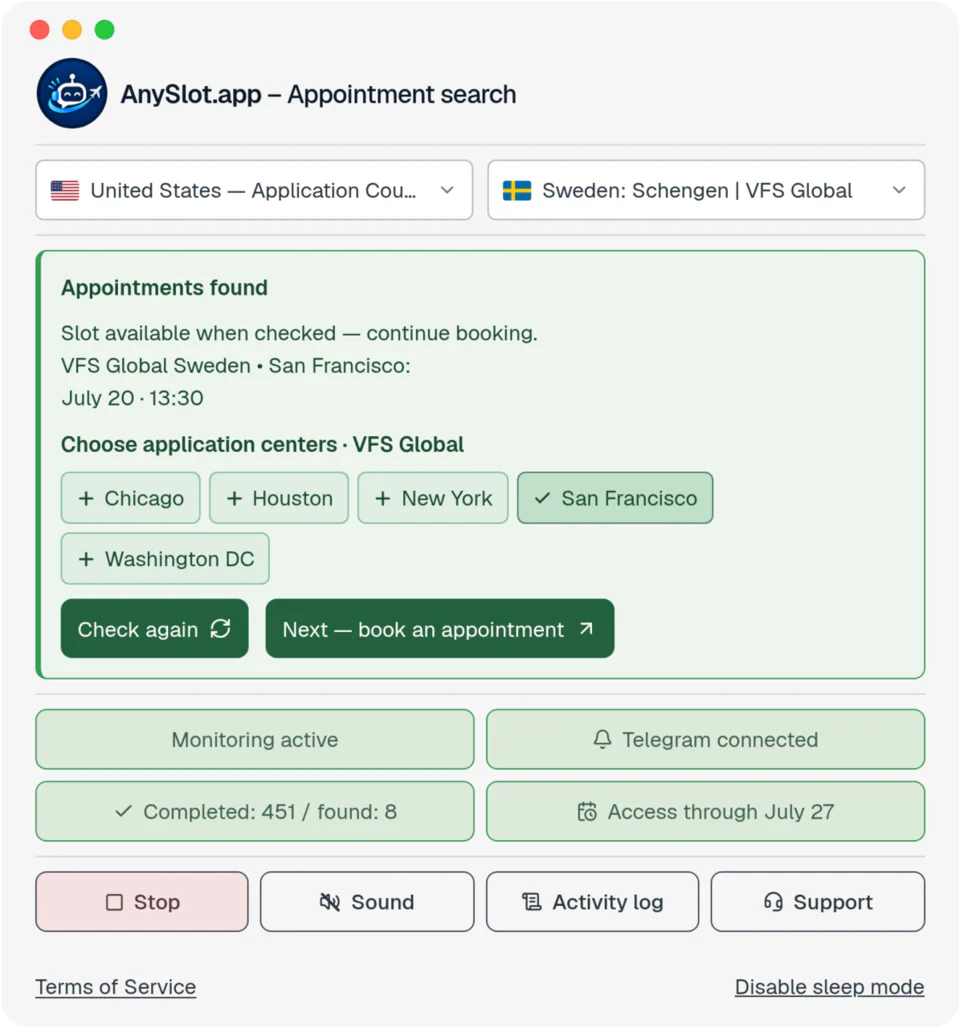
Interface examples
Functions and advantages
This route checks the Swedish VFS calendar for visitor visas only. It does not cover residence permit interviews, migration biometrics, or other Sweden services that may follow different instructions and booking paths.
Choose from the U.S. centers configured in the app for Sweden, and the next checks will follow that selection. The software can monitor only the centers you choose; it does not decide whether a center is appropriate for your case.
A dated log shows what each Sweden visitor visa check found over time, including when no appointments were detected. That helps you distinguish between an empty check result and a later opening without relying on memory or repeated manual searches.
Sweden Schengen bot
$25 covers 10 consecutive days of automatic checks for this Sweden Schengen search, starting when you first activate your code. On-demand checks remain free. You are paying for AnySlot desktop software only, not for an appointment, a VFS Global service, or a Swedish consular or visa fee.
$25$5010 days of bot checks
Free on-demand checks after download
What you gain
AnySlot checks the Swedish visitor visa calendar at VFS on your own computer and records the results in a dated log. It is independent desktop software, not an official intake channel, and a reported opening is only a snapshot from the time of checking.
That helps you spend less time manually refreshing and more time confirming that Sweden is the correct Schengen destination for your application and preparing your supporting documents. When an alert appears, your next step is to open the official booking session and confirm that the listed appointment still fits your case.
Let AnySlot check while you work or sleep. Keep your computer on, online, and awake.
See results on screen, hear an alert if sound is on, and get a message on your phone if Telegram is connected.
Sign in to your own account and complete the booking yourself. Your password and application details stay with you.
When several selected centers are checked, each available appointment is shown with its center.
See when each check ran, what it found, and whether the booking site reported an error.
Run a free check whenever you need one, including on beta routes.
How it works
In AnySlot, choose United States as the application country, then Sweden and the visitor visa entry. This route is for the Swedish short-stay visitor visa calendar at VFS, not residence permit interviews or migration-section biometrics.
Choose the VFS centers in the United States that you are willing and able to attend for a Swedish visa submission appointment. A free on-demand check shows what the selected calendar looks like at that moment, but it does not confirm eligibility or hold a time.
Activate a code to let the desktop app repeat checks for 10 consecutive days. Scheduled checks run every five minutes on your Mac or Windows computer, which must stay awake, online, and running the app if you want continuous monitoring.
If the app reports an opening, sign in to your own VFS session and verify the center, category, applicant details, and live availability before you book. AnySlot reports what it finds during checks; it does not reserve, submit, or complete the appointment for you.
FAQ
Support
Need help installing or activating AnySlot?